
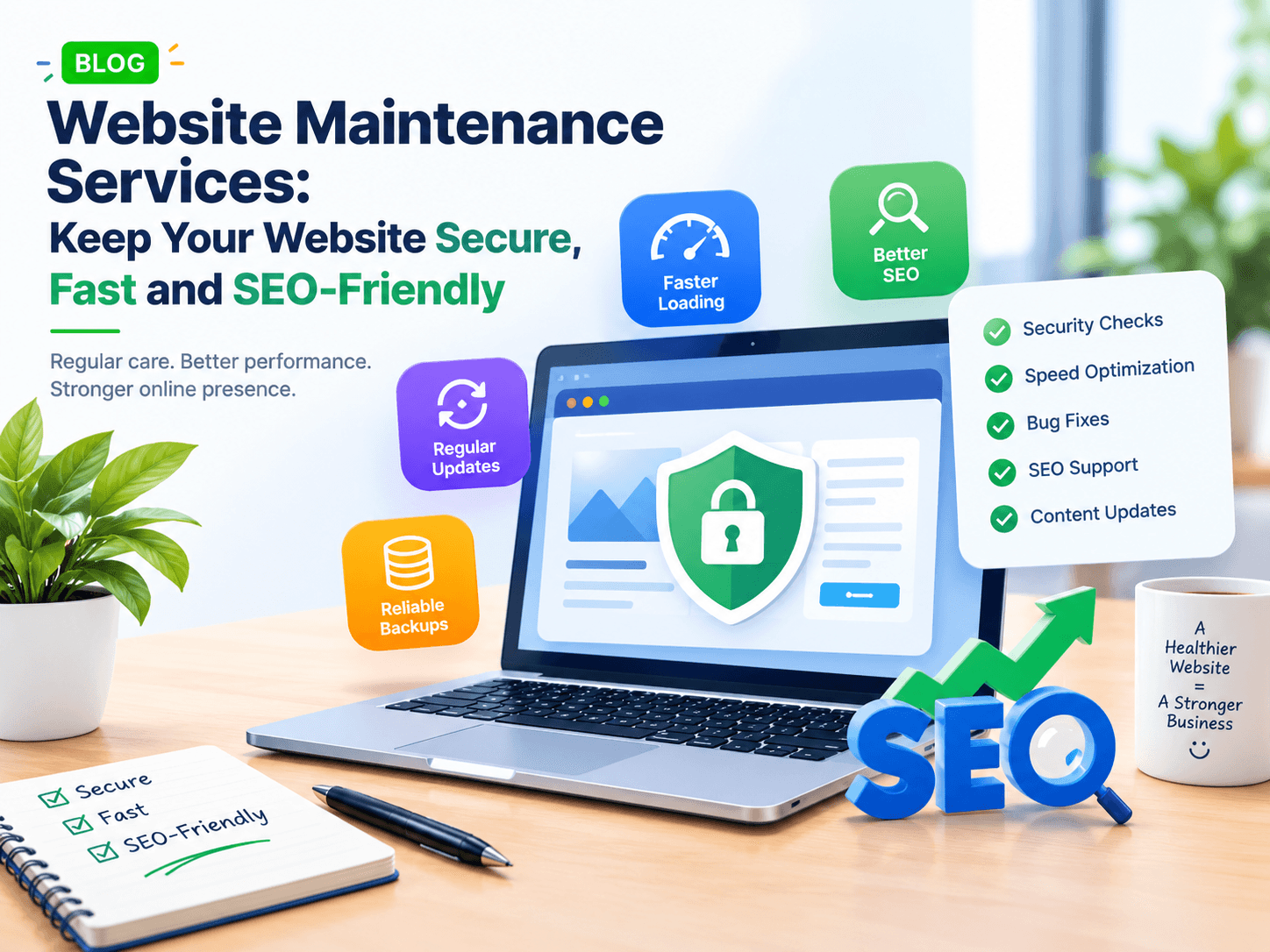
Your website is often the first place people visit before contacting your business. But launching a website is only the first step. It also needs regular care to stay secure, fast and useful.
Without proper maintenance, your website may develop broken links, slow pages, outdated content or security problems. These issues can affect the user experience and make it harder for visitors to find what they need.
Website maintenance services help prevent these problems. They keep your website updated, protect important data and support your SEO efforts.
In this guide, you will learn what website maintenance includes, why it matters for SEO and how to choose the right maintenance plan for your business.
What Are Website Maintenance Services?
Website maintenance services involve checking, updating and improving a website after launch. The goal is to keep it working properly and provide a smooth experience for visitors.
These services can include:
Updating website software, themes and plugins.
Checking website security.
Creating regular backups.
Fixing broken links and page errors.
Improving website speed.
Checking forms and contact details.
Updating old content.
Monitoring technical SEO issues.
The exact tasks depend on your website, platform and business needs.
For example, a small business website may need regular updates and security checks. An online store may also need payment testing, product updates and checkout checks.
Why Does Website Maintenance Matter for SEO?
SEO is not only about publishing blog posts and adding keywords. Your website must also work properly so that visitors and search engines can access its pages.
Regular maintenance helps you find technical problems before they become bigger issues.
1. Fix Broken Links and Page Errors
Broken links lead visitors to pages that no longer exist. These errors can interrupt the user journey and make your website harder to navigate.
Check your important pages, menu links, blog posts and contact buttons regularly. Fix incorrect links and redirect removed pages when a suitable replacement exists.
2. Improve Website Speed
Visitors may leave if your website takes too long to load. Slow pages can also make important actions, such as filling out a form, feel frustrating.
Website maintenance can help identify issues such as:
Large image files.
Unused scripts.
Heavy plugins.
Poor caching settings.
Slow server responses.
Use Google PageSpeed Insights to check your website's performance. You can also review Core Web Vitals, which measure loading speed, responsiveness and visual stability.
3. Keep Website Content Updated
Old information can confuse visitors and reduce trust. For example, an outdated service page may show incorrect prices, old contact details or services you no longer provide.
Review important pages and blog posts. Update facts, remove outdated details and check that each page answers the visitor's question.
For more ways to build a strong website foundation, read this guide to SEO-friendly website development.
4. Protect Your Website from Security Risks
Outdated software can expose your website to known security issues. Weak passwords and unused plugins can also increase risk.
Regular website security maintenance should include:
Updating supported software.
Removing unused plugins and themes.
Using strong passwords.
Limiting admin access.
Checking for suspicious activity.
Keeping backups ready for recovery.
Follow the official WordPress security hardening guide if your website runs on WordPress.
5. Check Technical SEO Issues
Technical problems can stop visitors and search engines from reaching the right pages.
During maintenance, review:
Pages returning 404 errors.
Incorrect redirects.
Broken internal links.
Missing or incorrect canonical tags.
Important pages blocked from indexing.
Outdated XML sitemaps.
Mobile usability problems.
If you update a page or change its URL, check that the new page works and that any necessary redirects are correct.
What Do Website Maintenance Services Include?
A useful maintenance plan covers more than software updates. It should protect your website, support its performance and help visitors complete important actions.

Software and Plugin Updates
Install suitable updates after checking compatibility. Test important features after changes to make sure the website still works.

Security Checks
Review access, software versions and possible security problems. Use suitable protection based on your website's risks.

Website Backups
Back up website files and databases. Keep copies in a separate location and test recovery so you know the backups work.

Speed and Performance
Review page loading, image sizes, scripts and other issues that may slow down the website.

SEO and Link Checks
Find broken links, crawl errors, indexing problems and outdated pages that need attention.
For WordPress websites, the official WordPress maintenance guide also covers updates, dead links, backups and other regular checks.
How Often Should You Maintain Your Website?
The right schedule depends on how often your website changes and how important it is to daily business operations.
Maintenance task | Suggested frequency |
|---|---|
Check website availability | Weekly or use automated monitoring |
Review backups | Weekly or based on how often data changes |
Check software updates | Weekly |
Test forms and key actions | Monthly and after major updates |
Review speed and technical SEO | Monthly |
Review old content and links | Every 3–6 months |
Test backup recovery | On a planned schedule |
These are practical starting points, not fixed rules. An online store or busy business website may need more frequent checks than a simple brochure website.
For backup guidance, see the official WordPress backup documentation.
Website Maintenance vs. Website Redesign
Website maintenance and redesign serve different purposes. Maintenance keeps your current website healthy. A redesign changes its structure, layout or overall appearance.
Area | Website maintenance | Website redesign |
|---|---|---|
Main goal | Keep the site working well | Improve the site's overall design or structure |
Typical tasks | Updates, backups, fixes and checks | New layouts, navigation and visual design |
Work schedule | Ongoing | Usually a planned project |
SEO focus | Fix technical issues and maintain page quality | Improve structure while protecting existing SEO value |
Best for | Websites that need regular care | Websites that no longer meet business needs |
You may need both. Maintenance can extend the useful life of your website, while a redesign may be suitable when its layout or features no longer support your goals.
If you are planning a larger project, explore custom web development solutions to understand how tailored changes can support your business needs.
How to Choose the Right Website Maintenance Plan
Before choosing a provider, make sure the service matches your website and business needs.
1. Check What Is Included
Ask whether the plan covers updates, backups, security checks, bug fixes, performance reviews and SEO-related technical checks.
Do not assume every plan includes all these tasks.
2. Understand Response Times
Ask how the provider handles urgent problems. A broken checkout or hacked website may need faster attention than a minor content change.
3. Confirm Backup and Recovery Support
Backups are useful only if you can restore your website when needed. Ask how often backups are created, where they are stored and how recovery is handled.
4. Ask for Clear Reports
A good maintenance report should explain what was checked, what was fixed and what still needs attention.
This helps you understand the value of the service without relying on vague promises.
5. Compare Cost with Your Needs
A basic website may need a simple maintenance plan. A complex website with user accounts, integrations or online payments may need more support.
Compare the work included rather than choosing a plan based only on price.
How SiteGrowza Can Help with Website Maintenance and SEO
SiteGrowza helps businesses with website development and digital solutions. A website often needs ongoing technical care after launch, especially as its content, features and business needs change.
Depending on your requirements, a maintenance project may include:
Finding and fixing website errors.
Reviewing page speed and performance.
Checking technical SEO issues.
Updating website content and features.
Improving mobile usability.
Supporting website improvements as the business grows.
The best approach starts with checking your current website and identifying the issues that matter most.
You can explore the available website development and digital services to see which solutions may fit your business needs.
Conclusion
Website maintenance services help keep your website secure, updated, fast and easy to use. They can also support SEO by helping you find broken links, technical errors, slow pages and outdated content.
Start with regular backups, software updates, security checks and performance reviews. Then create a maintenance schedule that matches your website's needs.
Remember, maintenance does not guarantee higher rankings. However, a well-maintained website gives visitors a more reliable experience and helps you address technical problems that may affect your online presence.
Want to improve your website's performance and reliability? Contact SiteGrowza through its website to discuss your requirements and plan the next steps for your business.
Website Maintenance Cost: What Affects the Price?
The cost of website maintenance depends on the size, platform and features of your website. A simple business website may need fewer updates than an online store or a web application.
Common factors include:
Website size and complexity.
Number of updates required.
Security and backup needs.
Performance improvement work.
Technical support requirements.
Third-party tools and integrations.
Before selecting a plan, understand which tasks are included and which may cost extra. You can also read this guide to website development cost in India to understand the costs involved in building a website.