
Business Owner: "The website was working perfectly six months ago. Now the pages load slowly, one of our forms stopped sending leads, and I am not even sure the backups are running."
Developer: "That is the part most people miss. Launch day is not the finish line. A live website is still software, and software needs updates, monitoring, testing, and fixes."
That conversation happens more often than most business owners expect. A website can look completely normal on the surface while a contact form has silently stopped working, a plugin has introduced a security gap, or page speed has quietly dropped. Website maintenance services exist to catch these problems before they cost you leads, rankings, or trust.
This guide explains what website maintenance services include, why they matter after launch, how to tell maintenance apart from a redesign, and how to choose the right provider.
What Are Website Maintenance Services?
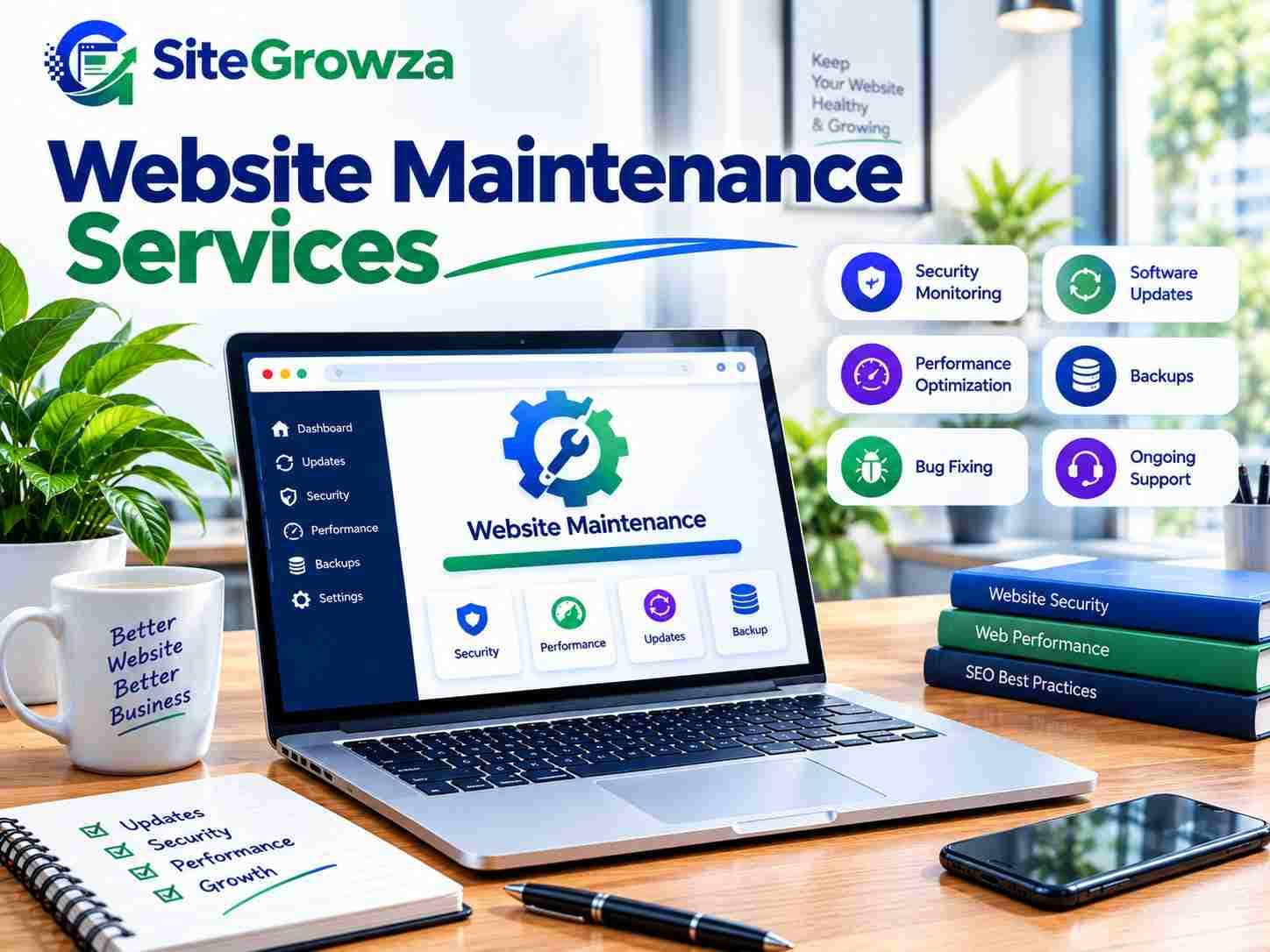
Website maintenance services are ongoing technical and content-related tasks that keep a live website secure, fast, updated, and working correctly. They typically include software updates, security monitoring, backups, bug fixing, performance checks, and technical SEO health monitoring. The exact scope depends on your platform, technology, complexity, and the maintenance plan you choose.
Not every package covers every item. A small brochure website and a large ecommerce platform have very different maintenance needs. Common maintenance tasks include:
CMS, plugin, framework, and dependency updates
Security monitoring and malware checks
Backup creation and backup verification
Uptime monitoring
Bug fixing and error resolution
Broken link checks and redirect management
Form and integration testing
Image optimization
Database maintenance where applicable
Technical SEO checks
Content updates
Mobile responsiveness and browser compatibility checks
Hosting-related support
Analytics and tracking verification
The right maintenance plan matches the actual risk and complexity of your website, not a generic checklist.
Why Website Maintenance Is Important
A website does not stay in its launch-day condition. Software ages, plugins fall out of date, traffic patterns change, and small issues compound. Here is why ongoing maintenance matters.
1. Security. Outdated software is one of the most common entry points for attackers. Regular updates and monitoring reduce exposure.
2. Performance. Page speed degrades as images, scripts, and third-party tools accumulate. Maintenance keeps performance from drifting.
3. Reliability. Forms, checkout flows, and integrations can break silently. Regular testing catches problems early.
4. SEO. Broken links, crawl errors, slow pages, and indexing issues all affect how search engines access your site. Maintenance supports technical SEO health.
5. User experience. Slow pages, broken buttons, and layout issues frustrate visitors and increase bounce rates.
6. Conversion rate. A form that does not submit or a checkout that errors costs revenue directly.
7. Compatibility. Browsers, devices, and dependencies change. Maintenance keeps your site working across them.
8. Backups and recovery. Verified backups mean a bad update or attack does not become a business-ending event.
9. Business continuity. A website that is down or compromised interrupts sales, support, and communication.
10. Scalability. As traffic and functionality grow, the site needs tuning. Maintenance keeps it ready.
A website may still look normal to the owner while a contact form has silently stopped sending leads. That is a maintenance problem, not a design problem.
Real Problems and Practical Solutions
Problem 1: The Website Became Slow
Why it happens: Large images, unused scripts, plugin bloat, third-party tools, and hosting limits.
Business impact: Visitors leave, engagement drops, and conversions suffer.
Solution: A performance audit, script reduction, image optimization, and caching or CDN improvements where appropriate. Ongoing monitoring prevents the problem from returning.
Problem 2: The Contact Form Stopped Working
Why it happens: Email configuration changes, API failures, plugin conflicts, or spam filter issues.
Business impact: Leads disappear without warning.
Solution: Form testing, email configuration checks, and integration troubleshooting. Regular form testing is part of a proper maintenance routine.
Problem 3: The Website Was Hacked or Flagged
Why it happens: Outdated software, weak access controls, or vulnerable dependencies.
Business impact: Lost trust, search warnings, and potential data exposure.
Solution: Security monitoring, clean backups, updates, access control review, and a clear recovery procedure.
Problem 4: Rankings Declined
Why it happens: Slow pages, broken links, crawl errors, indexing problems, or content issues.
Business impact: Less organic traffic and fewer inquiries.
Solution: A technical SEO review covering performance, broken pages, indexing, metadata, and site structure.
Problem 5: The Site Broke After an Update
Why it happens: Incompatible plugins, themes, or dependencies.
Business impact: Downtime and lost revenue.
Solution: Controlled updates, staging and testing where appropriate, verified backups, and compatibility checks.
Website Maintenance Checklist
Software and dependency updates
Security checks and malware monitoring
Backup creation and verification
Uptime monitoring
Broken link checks
Form and integration testing
Performance monitoring
Mobile testing
Browser compatibility testing
Image optimization
Database cleanup where applicable
SEO health checks
Analytics tracking verification
SSL certificate checks
Domain and hosting checks
Error and log monitoring
Maintenance should be proactive. Waiting for the website to break means you are already losing time, traffic, or revenue.
Website Maintenance vs Website Redesign
Maintenance keeps the existing website healthy. It fixes bugs, updates technology, monitors security, improves performance, and handles regular content or technical changes.
A redesign changes the visual experience, structure, navigation, or branding. It may involve rebuilding major parts of the site.
Maintenance is usually enough when the site works well and the foundation is sound. A redesign may make more sense when the structure no longer supports your goals, the design is outdated, or the technology is holding you back. If your platform is limiting growth, it may be worth reviewing how to choose the right tech stack for a startup website before committing to a rebuild.
Comparison Table: Maintenance Options
Factor | DIY Maintenance | Freelancer | Generic Maintenance Provider | SiteGrowza |
|---|---|---|---|---|
Security monitoring | Depends on owner knowledge | Varies by freelancer | Often included | Included based on plan |
Software updates | Owner responsibility | Often included | Usually included | Included based on plan |
Backup management | Owner responsibility | Varies | Usually included | Included based on plan |
Bug fixing | Owner responsibility | Depends on availability | Usually included | Supported |
Performance optimization | Rarely handled | Sometimes | Sometimes | Performance-focused approach |
Technical SEO checks | Rarely handled | Sometimes | Sometimes | SEO-conscious development |
Mobile responsiveness | Owner checks | Sometimes | Sometimes | Considered in development |
Custom development support | No | Depends on expertise | Limited | Custom development capability |
Scalability | Limited | Varies | Varies | Designed around requirements |
Ongoing support | No | Varies | Usually available | Available based on plan |
Business-specific maintenance | No | Sometimes | Generic approach | Business-focused approach |
Suitable for growing businesses | No | Sometimes | Sometimes | Yes, based on scope |
DIY maintenance can work for a very small static website with a technically experienced owner. For business-critical websites, ecommerce stores, custom applications, or sites with complex integrations, professional website maintenance services usually make more sense.
How Often Should a Website Be Maintained?
The right frequency depends on your platform, traffic, integrations, ecommerce functionality, plugin count, security sensitivity, content publishing frequency, and technical complexity.
Daily monitoring where uptime and security are critical
Weekly checks for active ecommerce or high-traffic sites
Monthly maintenance for most business websites
Quarterly deeper audits for performance, SEO, and security review
Not every website needs daily maintenance. A simple brochure site and a large online store should not follow the same schedule.
Website Maintenance for SEO
Website maintenance supports technical SEO health. It helps with broken links, crawl errors, redirects, page speed, Core Web Vitals, mobile usability, indexing, sitemap health, robots.txt, metadata, canonical tags, structured data, image optimization, internal linking, duplicate pages, HTTPS, and server errors.
Rankings depend on many factors, including content, competition, authority, search intent, and overall SEO strategy. Maintenance alone does not guarantee rankings, but poor technical health makes ranking harder. For modern frameworks, technical setup matters even more. If your site runs on Next.js, this Next.js SEO optimization guide covers practical technical considerations.
Google Search Console is a useful tool for monitoring indexing, crawl errors, and search performance. It should be part of any serious maintenance routine.
Website Performance
Speed and responsiveness affect user experience, conversions, and how efficiently search engines crawl your site. Maintenance should cover image compression, lazy loading, JavaScript and CSS optimization, caching, CDN usage, hosting performance, database performance, and third-party script review. Web performance best practices from MDN provide a solid technical reference.
Core Web Vitals—LCP, INP, and CLS—measure real user experience. Monitoring them over time helps catch performance drift before it affects visitors.
Security and Website Maintenance
Security maintenance includes software and dependency updates, access control, strong authentication, backups, malware monitoring, security headers where appropriate, vulnerability monitoring, logging, and safe deployment practices. The OWASP web application security guidance is a widely used reference for understanding common web security risks.
Security is not only an IT concern. A compromised website can damage customer trust, interrupt sales, and create legal exposure.
Website Accessibility
Maintenance should also consider accessibility. This includes keyboard usability, readable content, meaningful links, image alt text, form labels, responsive layouts, and accessible UI components. MDN accessibility documentation explains the core principles. Accessibility improvements often benefit all users, not just those with disabilities.
How Much Do Website Maintenance Services Cost?
Maintenance cost depends on website size, technology, number of pages, ecommerce features, integrations, traffic, security requirements, update frequency, content updates, custom functionality, emergency support needs, and hosting environment.
A small brochure website and a large ecommerce platform should not be expected to have the same maintenance requirements. Instead of comparing headline prices, compare what is actually included: backups, security monitoring, performance checks, SEO health checks, support scope, and response process.
How to Choose Website Maintenance Services
Ask these questions before choosing a provider:
What exactly is included in the plan?
Are backups included and verified?
How are updates tested before going live?
Is security monitoring included?
Is performance monitoring included?
Can they fix custom code, or only manage plugins?
Do they understand technical SEO?
Do they support your existing technology?
Is emergency support available?
Who owns the website, code, and accounts?
How are changes documented?
Is there regular reporting?
What happens if something breaks after an update?
A good provider answers these clearly. A vague answer usually means a vague service.
Why Businesses Consider SiteGrowza
SiteGrowza works on website development with performance, SEO, and long-term maintainability in mind. That background matters for maintenance, because fixing and improving a website is easier when the team understands how it was built.
For businesses that need ongoing website maintenance, performance-focused development, SEO-conscious website work, custom development knowledge, technical troubleshooting, and scalable website solutions, SiteGrowza can be a suitable option. Maintenance support is available based on the plan and the website's requirements.
You can learn more at SiteGrowza.
Final Thoughts
If your website is becoming difficult to manage, slow, insecure, outdated, or technically unreliable, professional website maintenance services can help keep it stable and ready for growth. Maintenance is not about fixing a broken website. It is about preventing small problems from becoming expensive ones.
Start by reviewing what your website actually needs: updates, backups, security monitoring, performance checks, and technical SEO health. Then choose a provider whose scope matches your platform and business goals. SiteGrowza can help you plan the right maintenance approach for your website.