
Have you ever visited an online store, found a product you liked, and left because the website was too slow or checkout was confusing?
Your customers may do the same.
A good product is important, but your website also affects how people shop. If your online store is slow, hard to use, or difficult to trust, customers may leave before placing an order.
This is where ecommerce website development becomes important.
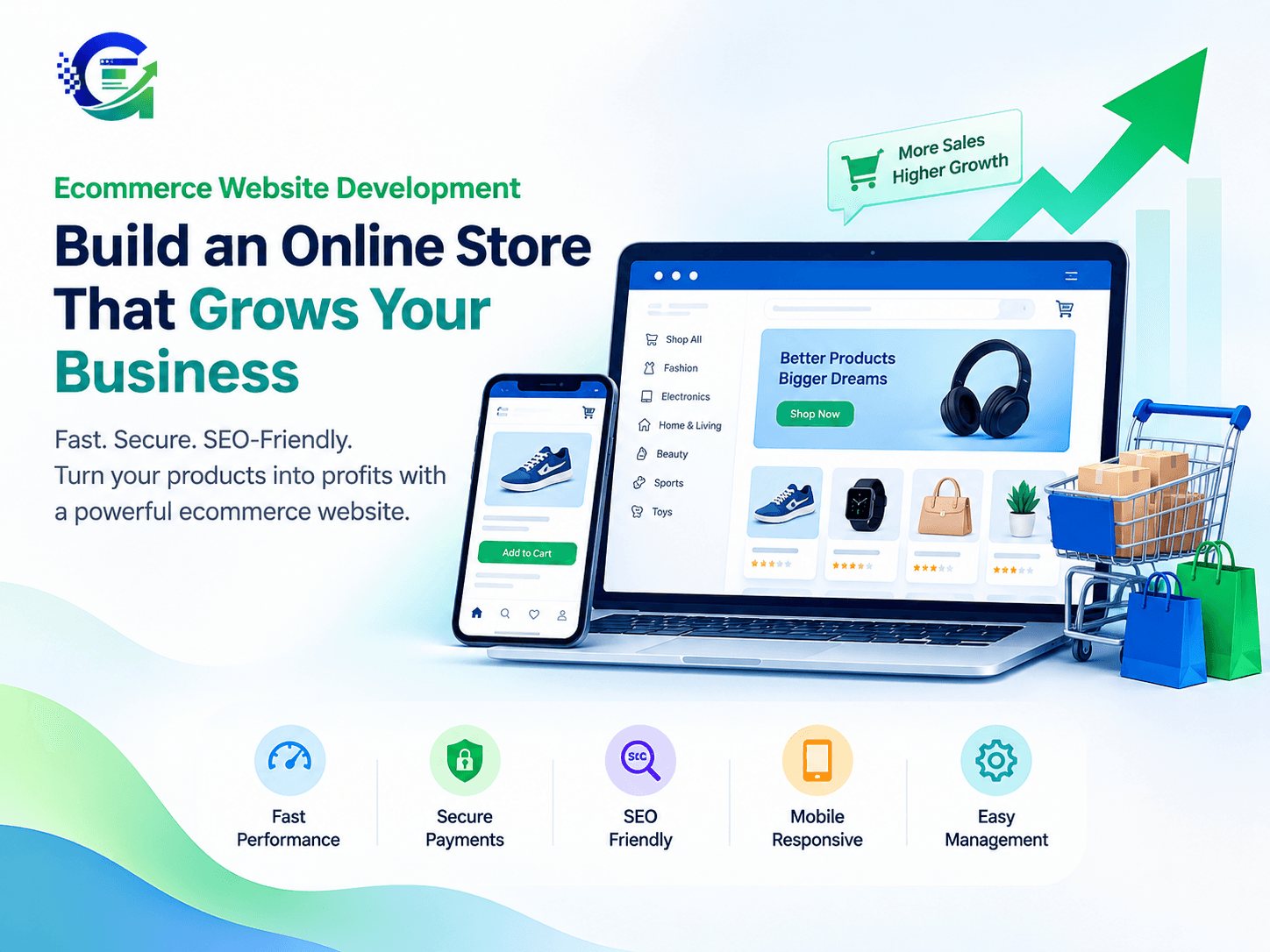
It helps you build an online store where customers can explore products, compare options, make secure payments, and place orders with ease.
Whether you run a startup, small business, or growing brand, the right website can help you reach more customers and manage your online sales.
In this guide, we will cover the key features, development process, costs, and SEO practices you need to know before building your online store.
What Is Ecommerce Website Development?
Ecommerce website development is the process of creating an online store where people can buy products or services.
It includes website design, coding, payment setup, product management, security, and search engine optimization.
A typical ecommerce website includes:
A homepage that introduces your brand.
Product pages with images, prices, and descriptions.
Category pages that help users find products.
A shopping cart and checkout system.
Secure payment options.
Order tracking and customer notifications.
Inventory and product management.
Mobile-friendly layouts.
The goal is simple: make shopping easy for customers and store management easier for your business.
Why Does Your Business Need a Professional Ecommerce Website?
Many businesses start selling through social media or marketplaces. These channels can be useful, but they may not offer the level of control your business needs.
A dedicated online store gives you more control over your brand, product pages, customer journey, and website content.
Here are four common problems an effective ecommerce website can help address.
1. Customers Leave Before Buying
A confusing layout can make it hard for customers to find products. Too many checkout steps can also discourage them.
A clear website structure helps visitors move from product discovery to checkout.
Keep navigation simple. Show important product details. Make the checkout process easy to follow.
2. Your Products Do Not Appear in Search Results
Customers often search Google before buying a product. If your product pages are poorly structured, search engines may struggle to understand them.
An SEO-friendly online store should have:
Clear page titles and headings.
Unique product descriptions.
Descriptive product URLs.
Optimized images with useful alt text.
Relevant internal links.
Suitable product structured data.
Google's ecommerce SEO documentation explains how site structure and product information can help search engines understand an online store.
3. Your Website Loads Slowly
Large images, unnecessary scripts, and poor hosting choices can slow down a store.
Slow pages can frustrate shoppers, especially on mobile devices.
You can use Google PageSpeed Insights to check performance and find areas that need improvement.
For more ideas, explore our guide to SEO-friendly website development.
4. Managing Orders Takes Too Much Time
Manual stock updates and order processing can become difficult as sales grow.
Your website may need inventory tools, order notifications, shipping integrations, or customer management features.
The right setup depends on your products, team, and daily workflow.
Essential Features of an Ecommerce Website
Not every business needs an advanced online store from day one. However, some features are important for most ecommerce projects.
Mobile-Friendly Design
Your website should work well on smartphones, tablets, and desktops.
Use readable text, clear buttons, and simple navigation. Customers should be able to view products and complete purchases without struggling with the layout.
Secure Payment Integration
Customers need a reliable way to pay for their orders.
Choose a payment provider that supports your business and preferred payment methods. Use HTTPS and follow the provider's security requirements.
Also, explain your refund, delivery, and return policies clearly.
Useful Product Pages
A good product page answers the questions customers may have before buying.
Include:
Clear product images.
Accurate descriptions.
Price and availability.
Product sizes, colours, or specifications.
Delivery and return details.
A visible add-to-cart button.
Use original descriptions rather than copying the same text across several products.
Search and Product Filters
Customers should be able to find products quickly.
Add useful filters for price, size, colour, brand, or other product features where needed. Keep the category structure clear as your catalogue grows.
Easy Store Management
Your team should be able to update products, check stock, manage orders, and change prices without needing a developer for every small task.
If your business needs special features or workflows, consider custom web development to explore how a tailored solution may fit your requirements.
Ecommerce Website Development Process
A clear development process helps you control costs and avoid common mistakes.
<text> </text>
Step 1: Define Your Business Goals
Decide what you want your website to achieve.
For example, you may want to launch a new brand, sell products across India, manage bulk orders, or expand beyond marketplace sales.
Also, identify your target customers and the features they need.
Step 2: Choose the Right Platform
Compare hosted ecommerce platforms, open-source solutions, and custom development.
Consider these factors:
Initial and ongoing costs.
Ease of product management.
Payment and shipping options.
Design flexibility.
SEO features.
Ability to support future growth.
Choose a platform that fits your current needs and expected growth.
Step 3: Design the Shopping Experience
Plan the homepage, product pages, categories, cart, and checkout.
Use clear layouts and consistent branding. Help customers understand what you sell and how to buy it.
Avoid adding features that do not support your customers or business goals.
Step 4: Develop and Integrate Features
Build the website and connect the tools your business needs.
These may include payment gateways, shipping providers, inventory systems, email notifications, and analytics tools.
Test every important feature before launch.
Step 5: Optimize for SEO and Performance
Create helpful product descriptions and clear page titles. Optimize images and keep URLs readable.
You can also review Google's product structured data guide to understand how product information can be marked up for search engines.
Remember that structured data can make eligible pages suitable for certain search enhancements, but it does not guarantee their appearance.
Step 6: Test and Launch
Before going live, check:
Mobile and desktop layouts.
Cart and checkout functions.
Payment success and failure flows.
Shipping charges and order notifications.
Broken links and missing images.
Page speed and security settings.
Once the site is live, monitor its performance and fix issues as they arise.
Ecommerce Website Development Cost in India
The cost of building an ecommerce website depends on the features you need.
A simple store with a small product range may need less development work than a store with custom filters, advanced inventory tools, and several integrations.
Cost factor | What affects the cost |
|---|---|
Design | Template-based or custom design |
Platform | Subscription, licensing, or hosting fees |
Product catalogue | Number of products and data complexity |
Payment setup | Provider requirements and integration work |
Custom features | Special tools, dashboards, and automation |
SEO and performance | Technical setup and optimization |
Maintenance | Updates, backups, and ongoing support |
Do not compare providers on price alone. Check what is included in the proposal and whether ongoing costs are explained.
For more budgeting guidance, read our website development cost in India guide.
A practical approach is to start with essential features and add more as your business grows.
SiteGrowza vs Typical Ecommerce Development Providers
Choosing the right development partner can make your project easier to manage.
Compare providers based on their process, technical skills, communication, and support.
Factor | SiteGrowza | What to check with other providers |
|---|---|---|
Website development | Website development and digital solutions | Relevant ecommerce experience |
Customization | Project-specific requirements can be discussed | Support for custom features |
SEO | SEO-friendly development is a relevant service consideration | Technical SEO knowledge |
Performance | Performance needs can be considered during planning | Testing and optimization process |
Integrations | Requirements can be discussed before development | Payment, shipping, and inventory compatibility |
Support | Support options can be discussed for the project | Scope, response times, and maintenance fees |
SiteGrowza works with startups, small businesses, and growing companies on website development and digital solutions.
Before choosing any provider, confirm the exact features, project timeline, deliverables, and support terms. This helps you understand what you will receive and avoid unexpected costs.
How to Improve Ecommerce Website SEO
Building a store is only the beginning. You also need to help customers discover it through search engines.
Follow these practical steps.
Write Helpful Product Descriptions
Explain what each product does, who it is for, and what makes it useful.
Include relevant search terms naturally. Avoid repeating the same keyword in every sentence.
Use Clear URLs and Category Pages
Keep product URLs short and descriptive. Group similar products into useful categories.
Google recommends a clear ecommerce site structure so shoppers and search engines can discover important pages more easily.
Optimize Product Images
Use suitable image sizes and modern formats where supported. Give images descriptive file names and useful alt text.
Avoid uploading unnecessarily large files that slow down the page.
Improve Internal Linking
Link related products, category pages, and helpful blog posts where they add value.
Descriptive anchor text helps users understand what they will find when they follow a link. It also helps search engines understand the relationship between pages.
Keep Your Website Updated
Review product availability, outdated descriptions, broken links, and performance issues regularly.
A reliable website maintenance service can help businesses plan ongoing updates and support.
Common Ecommerce Website Development Mistakes to Avoid
Avoid these mistakes when planning your online store:
Choosing a platform without checking future needs.
Ignoring mobile users.
Making checkout unnecessarily complicated.
Using duplicate product descriptions.
Uploading large, unoptimized images.
Installing too many unnecessary plugins.
Forgetting security updates and backups.
Launching without testing payment and order flows.
Expecting search traffic without ongoing SEO work.
Start with a clear plan. Focus on the features that matter most to your customers. Improve the website based on real user behaviour and business data.
Conclusion: Build a Better Online Store with SiteGrowza
Ecommerce website development helps you create an online store that supports your business goals.
A successful store needs more than an attractive design. It should load quickly, work well on mobile devices, offer secure payments, and make products easy to find.
It should also be easy to manage and ready to support your future needs.
Whether you are starting a new online business or improving an existing store, take time to plan your features, budget, SEO, and long-term support.
Ready to build your ecommerce website?
Visit SiteGrowza to explore website development and digital solutions for your business. Discuss your requirements, identify the features you need, and plan an online store that fits your goals.
Build a better shopping experience with SiteGrowza.